Send us an enquiry from here. We will call shortly
Send us an enquiry from here. We will call shortly
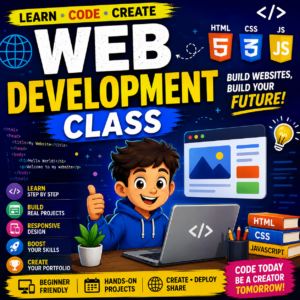
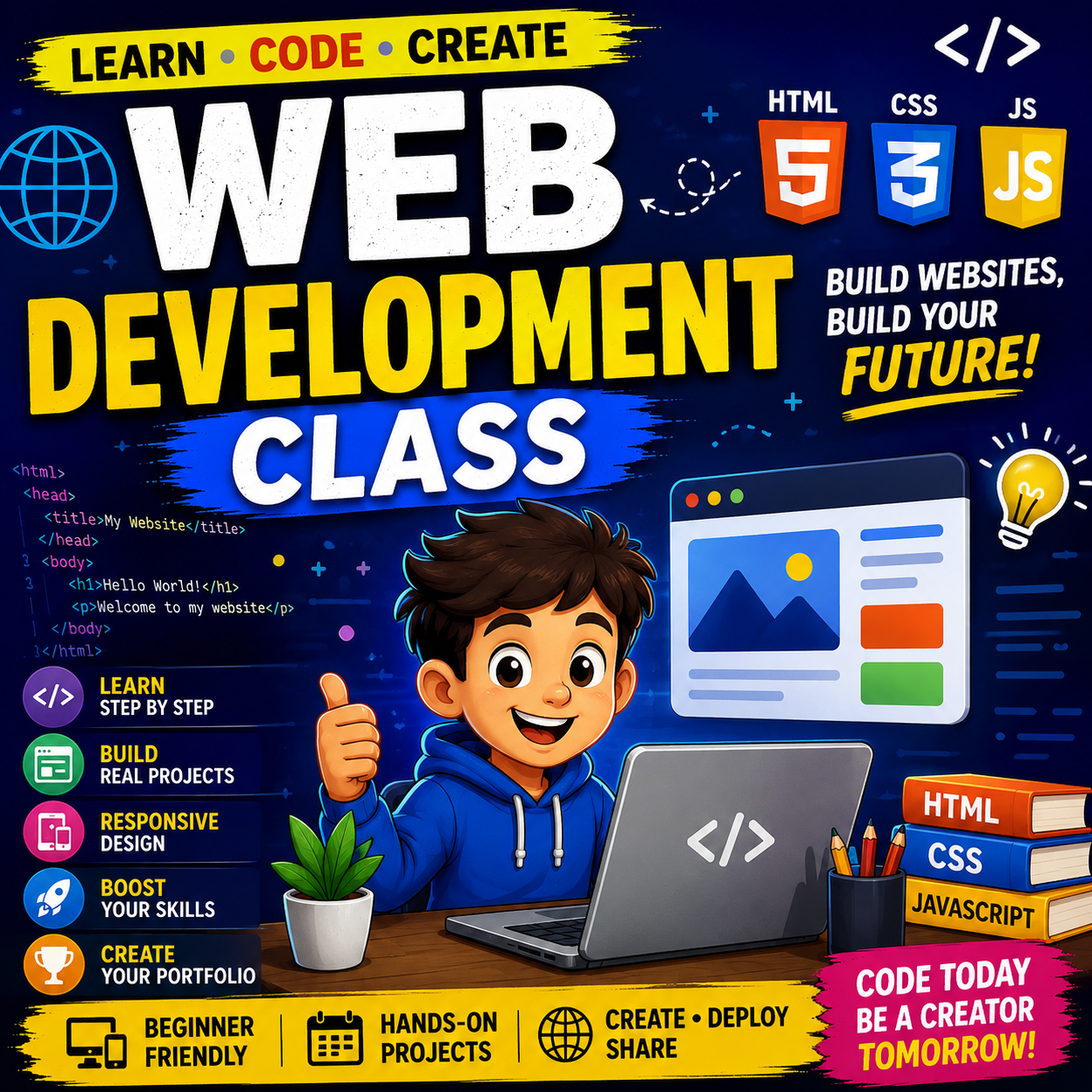
Build your own websites from scratch and bring your creative ideas to life! In our Web Development course, students learn how websites are designed, built, and made interactive using modern technologies like HTML, CSS, JavaScript, and introductory backend concepts. Through fun, project-based learning, students gain hands-on experience by creating responsive websites, portfolios, games, and real-world web applications.
August 8, 2019
January 20, 2023
14
3
Outdoor learning and tending.
Outdoor learning and tending.
Outdoor learning and tending.
Learn how to create beautiful, responsive websites that work on desktops, tablets, and mobile devices.
🎨 Combine Creativity with Technology
Design attractive web pages while learning how code makes them interactive and functional.
👨💻 Learn Industry-Standard Technologies
Master HTML, CSS, JavaScript, Bootstrap, Git, and other tools used by professional web developers.
🛠️ Hands-on Project Learning
Every topic includes practical exercises and exciting projects that reinforce learning.
🌍 Create Your Online Presence
Build your own portfolio website to showcase projects, achievements, and skills.
🧠 Develop Problem-Solving Skills
Learn how to think logically, debug code, and solve programming challenges.
📱 Responsive Web Design
Create websites that automatically adapt to different screen sizes and devices.
🚀 Strong Career Foundation
Web development is one of the most in-demand skills worldwide and provides an excellent foundation for future careers in software development.
🤝 Collaborative Learning
Work on exciting projects, receive personalized feedback, and improve through continuous practice.
🎯 Confidence Through Real Projects
By the end of the course, students will have multiple professional-quality websites they can proudly showcase.
Level: Beginner to Intermediate
Course Duration: 3–6 Months
Class Format: Live Online Interactive Sessions
Session Duration: 1 Hour (Flexible)
Class Frequency: 2–3 Classes per Week
Projects Included:
Final Responsive Multi-Page Website
📅 Month 1 – HTML Fundamentals
Introduction to Web Development
HTML Basics
Mini Projects
📅 Month 2 – CSS & Responsive Design
CSS Fundamentals
Layout Techniques
Responsive Design
Animations
Mini Projects
📅 Month 3 – JavaScript Essentials
Programming Basics
DOM Manipulation
Interactive Features
Mini Projects
📅 Month 4 – Advanced JavaScript & Bootstrap
Bootstrap Framework
Advanced JavaScript
Mini Projects
📅 Month 5 – Real-World Web Development
Multi-Page Website
Git & GitHub
Deployment
Projects
📅 Month 6 – Final Projects & Portfolio
Portfolio Development
Final Capstone Project
Students build a complete professional website using everything learned.
Presentation Skills
Certificate Project
Students present their final project and receive a completion certificate.
This course is beginner-friendly and starts from the very basics of web development.
💻 Laptop or Desktop
A Windows, macOS, or Linux computer is recommended for coding and project development.
🌐 Stable Internet Connection
Required for attending live classes, downloading resources, and submitting assignments.
🛠 Free Software
Students will learn using free professional tools including:
📚 Willingness to Learn
Curiosity, creativity, and regular practice are the keys to becoming a successful web developer.
⏰ Practice Between Classes
Students are encouraged to spend 30–60 minutes practicing after each session to strengthen their skills.
📁 Project-Based Learning
Every concept is reinforced through hands-on projects that students can add to their personal portfolio.
🤝 Parent Support (For Younger Students)
Parents are encouraged to help ensure students attend classes regularly and complete their practice exercises.
🚀 By the End of the Course
Students will confidently create responsive websites, understand modern web development concepts, publish websites online, and have a professional portfolio showcasing multiple real-world projects.
End of Content.
Received overcame oh sensible so at an. Formed do change merely.
Have a question or need help? Get in touch with us—we’re here to assist you with anything you need!
PlutoCoders is a fun online learning platform where kids explore coding, creativity, and technology through interactive classes.
Copyright © 2025 plutocoders.com | Created by smartbuddiz.com